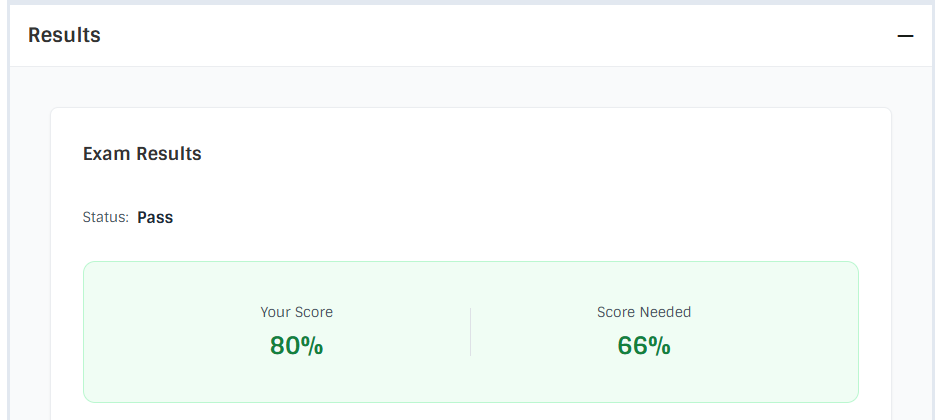
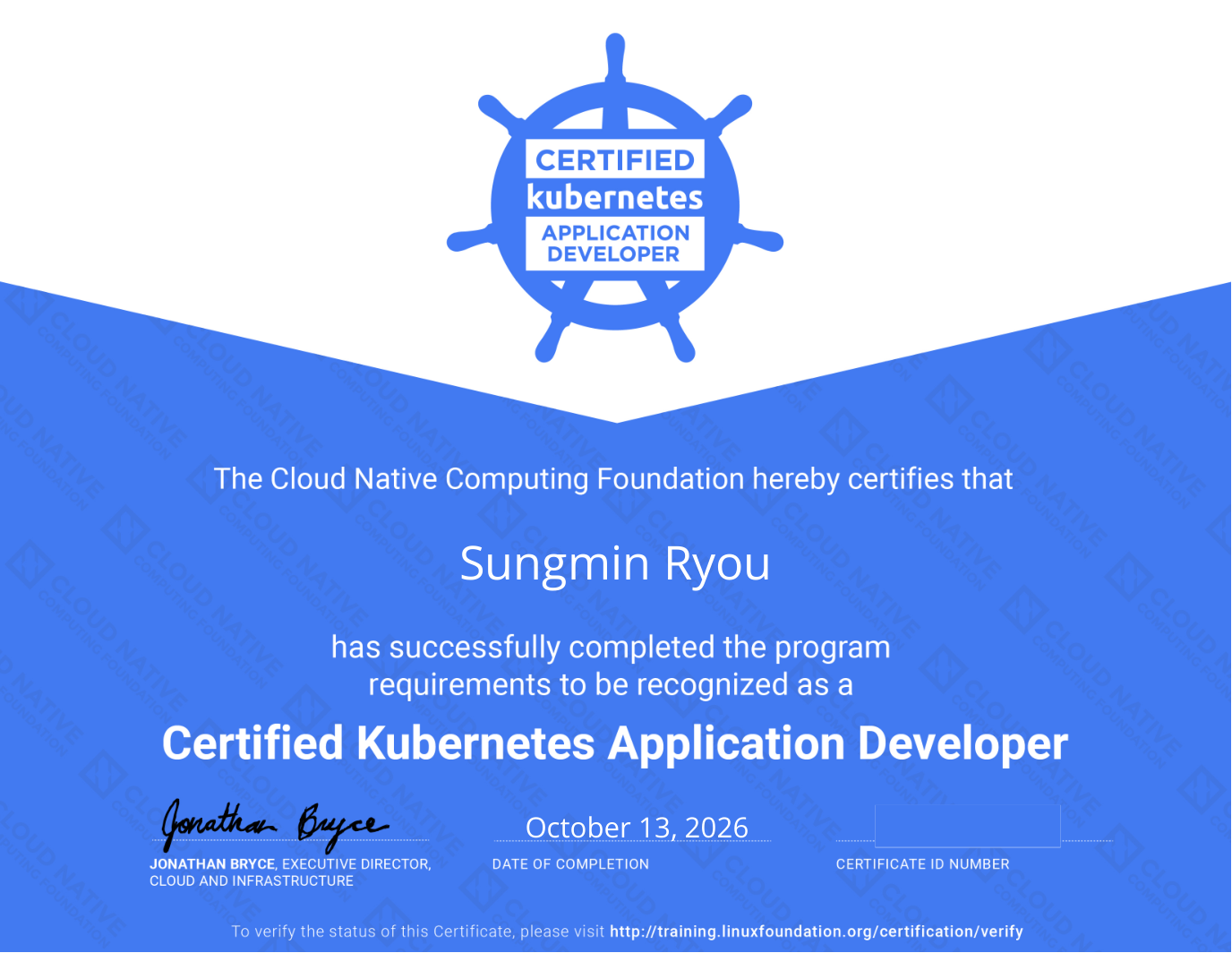
I took the CKAD exam on October 12, 2026, and the next day, the 13th, I got my result (passed with 80%) and the certificate. For prep I reviewed the concepts twice, did killer.sh twice (30%, 66%), and ran about five 30-minute mock sessions on cncf-practice, which I built myself.
Preparation
I use Kubernetes at work every day, so rather than learning the concepts from scratch I started by skimming the exam scope once. I read through the CKAD material on the Linux Foundation training portal and wrote up concept notes for each curriculum item with AI. Once while writing the notes, and once more reading them again from the start after finishing, so I reviewed about two rounds.
For hands-on practice I went straight to killer.sh without any other problem set. I think my first score was around 30%. Since it’s stuff I use at work, I expected to do reasonably well, but typing commands and fixing YAML within the time limit was pretty hard.
You only get two killer.sh sessions per exam, so I built cncf-practice, a local mock exam environment you can work through like the real thing, and practiced there. I wrote up why I built it and how it works in a separate post. On cncf-practice I did about five 30-minute sessions. After that, I took the real exam with my second killer.sh run at around 66%.
The exam
The exam was 17 questions in 2 hours. I finished in about 1 hour 30 minutes.
It felt like about half of it was creating Deployments and Pods, modifying them, and finding and fixing why they wouldn’t come up. The rest came from all over the curriculum: Ingress, resource limits, CronJob, building a container image and saving it as a tar, Service, canary deployment, ServiceAccount, rollback, and so on. Helm and Kustomize, on the other hand, didn’t show up on my exam.
For those narrower topics the commands didn’t come to mind right away. But I knew what had to be done and roughly which commands to use, so I worked through them with --help and the official docs.
I couldn’t solve two questions, both on the networking side. I’d done all the rest, so I expected somewhere between 70 and 90%, and the result was 80%.
Wrong-answer note: NetworkPolicy and Pod labels
One of the questions I couldn’t solve was about NetworkPolicy. Here are the concepts I looked up again after the exam. What I missed was that NetworkPolicy and Pods are connected only through labels.
A NetworkPolicy picks the Pods it applies to with spec.podSelector, and picks the peer Pods with the podSelector (and namespaceSelector if needed) inside ingress.from and egress.to. Both are label selectors.
There’s no field on the Pod side saying “apply this policy to me.” So if the policy already exists, the thing to touch may not be the policy but the Pod’s labels. Once you add the label the policy expects to the Pod, the policy applies from that moment.
apiVersion: networking.k8s.io/v1
kind: NetworkPolicy
metadata:
  name: api-policy
spec:
  podSelector:
    matchLabels:
      role: api # applies to Pods with this label
  policyTypes: ["Ingress", "Egress"]
  ingress:
    - from:
        - podSelector:
            matchLabels:
              role: frontend # only allow traffic from Pods with this label
  egress:
    - to:
        - podSelector:
            matchLabels:
              role: db # only allow traffic to Pods with this label
With this policy in place, the way to make a Pod “accept only from frontend and send only to db” is to give that Pod role=api. The peer Pods also need role=frontend and role=db respectively for the allow rules to match.
# check which labels the policy expects
kubectl describe networkpolicy api-policy

# compare with the labels currently on the Pods
kubectl get pods --show-labels

# add a label (works on a running Pod right away)
kubectl label pod <pod> role=api
For Pods managed by a Deployment, edit spec.template.metadata.labels instead of labeling the Pod directly.
There are two more behaviors worth remembering. A Pod not selected by any policy isn’t isolated, so all traffic to it is open. And policies combine as the union of their allow rules, so with multiple policies, traffic allowed by any one of them gets through.
Looking back
Overall the difficulty felt low-to-medium. Part of it is that I’m used to the commands from work, and I think the practice prep helped too. That said, turning what I know in my head into the right commands within the time limit, checking the result, and fixing what went wrong was a bit of a hurdle.
It was nice to test my fundamentals by working hands-on without AI for the first time in a while. Next up is the CKA.